
Documentation Index
Fetch the complete documentation index at: https://docs.cnap.tech/llms.txt
Use this file to discover all available pages before exploring further.
How Regions Work
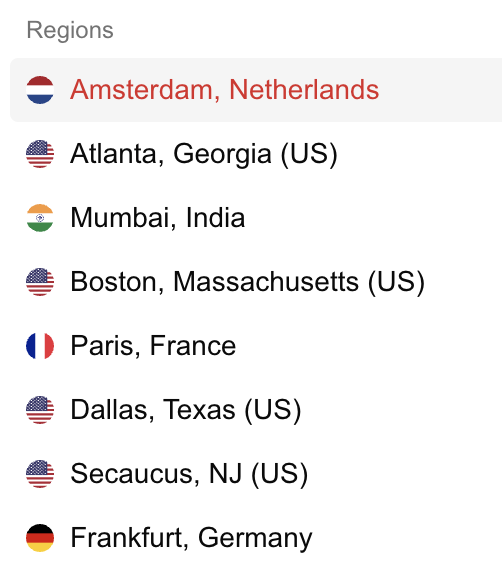
Regions act as a layer between your infrastructure and your customers. Each region can contain one or more , allowing you to:- Group related clusters - Organize clusters by geography, environment, or purpose under a single region name
- Simplify customer choices - Customers select “US East” or “Europe” rather than specific cluster names
- Scale transparently - Add or remove clusters within a region without changing what customers see
- Flexible organization - Name regions however makes sense for your business (geographic, functional, or custom labels)
Creating and Managing Regions
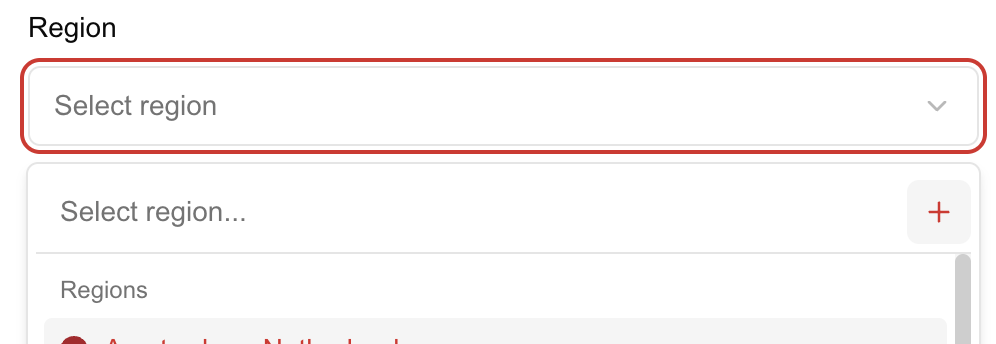
You create regions when adding clusters in the CNAP dashboard. Choose descriptive names that help customers understand their options, such as “Frankfurt, Germany”, “US East”, “Production”, or “us-east-1”. Once created, regions can be associated with multiple clusters, and you can edit a cluster’s region assignment at any time. Regions are flexible organizational tools—they don’t enforce any technical constraints. You can rename them, reassign clusters between regions, or create new regions as your infrastructure grows. This flexibility lets you adapt your organization structure as your business evolves.How Cluster Selection Works for Products
When deploying products—whether through customer self-service purchases or manual deployments from your dashboard—CNAP uses the same cluster selection process. If your region contains multiple clusters, CNAP automatically selects one cluster from that region for each deployment. This automatic selection distributes deployments across your clusters, helping balance load and utilize your infrastructure efficiently. This applies to both:- Customer self-service purchases - When customers select a region during checkout, CNAP automatically routes their deployment to one cluster in that region
- Manual deployments - When you deploy products yourself from the dashboard, CNAP uses the same selection process based on the region
Related Topics
- Create a cluster → - Set up clusters and assign them to regions
- Learn about clusters → - Understand how clusters work in CNAP
- Package your software → - Create products that use regions for customer selection
- Marketplace → - See how regions appear to customers during purchases